You printed 200 menus last spring. The kitchen changed three items. The sommelier added a new by-the-glass pour. The brunch menu rotates seasonally. Now you\u2019re ordering 200 more menus, or worse, taping in a \u201cnew\u201d sheet on top of every table. A restaurant menu QR code ends this. One scan, and every customer sees the current menu \u2014 with your latest prices, photos, and specials.
Instead of printing menus that go out of date the moment a dish changes, you generate a single QR code that points to a live menu URL. You change the menu on your website, and the same physical QR \u2014 on table tents, window clings, host stands \u2014 starts showing the new menu. No printing. No reprints. No waste.
This guide covers what restaurant menu QR codes are, why every food business should use one, how to set yours up in about 30 minutes, and the design and operational mistakes that get it wrong. By the end, you\u2019ll have a scannable menu that updates as fast as your kitchen.
What Is a Restaurant Menu QR Code?
A restaurant menu QR code is a regular QR code that, when scanned, takes the customer to your menu\u2019s URL \u2014 usually a webpage, PDF, or hosted menu service. The customer opens the link on their phone and browses your offerings instead of handling a physical menu.
Behind the scenes, the QR code encodes a single URL like this:
https://yourrestaurant.com/menuWhen scanned, the phone\u2019s camera recognizes the URL and offers to open it. The customer taps, lands on your menu, and they\u2019re reading. On iOS 11+ and Android 10+, this happens natively. No app, no signup, no friction.
Why it works on every phone
QR codes became standard phone-camera functionality in the late 2010s. Apple and Google both built QR scanning into their default camera apps, which is why this works without any third-party app. Over 95% of smartphones in active use today can scan a QR code out of the box. The remaining 5% are old phones, mostly feature phones and budget Android models from before 2019 \u2014 not your target demographic for a sit-down meal.
Why Every Restaurant Should Use One
The pandemic made QR menus table stakes, but most operators who tried them have kept them for good reasons. Here\u2019s why.
1. Slash your printing costs
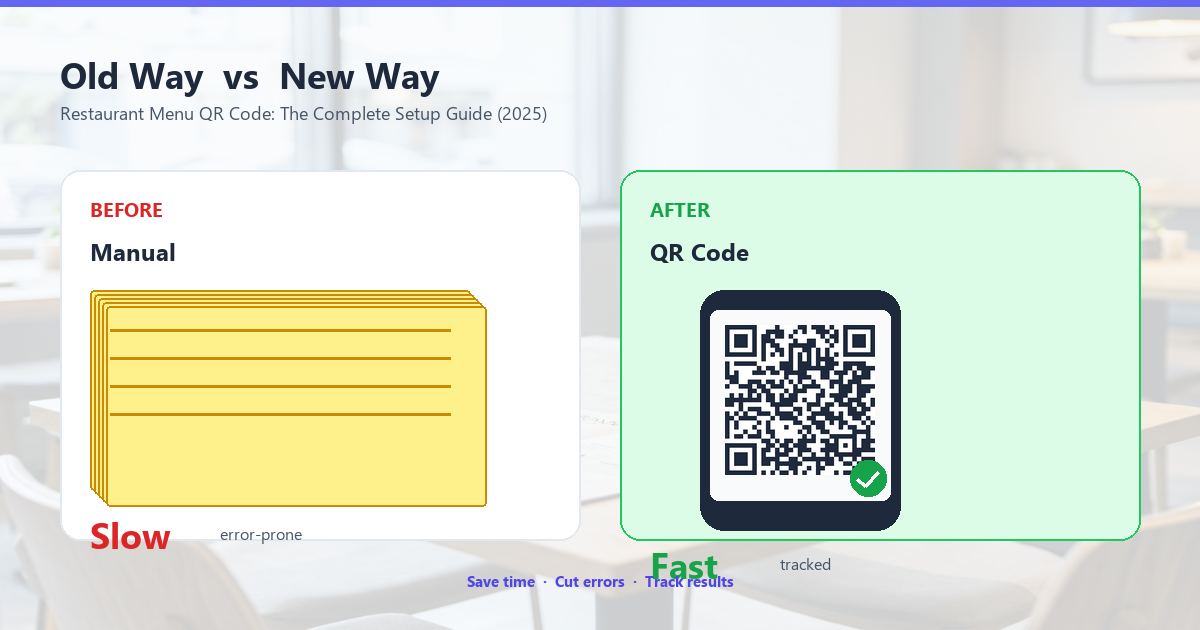
A 4-color, 8.5x11 laminated menu costs between $1.50 and $4.00 per copy to print professionally, and most restaurants reprint 2\u20134 times a year. A 60-seat restaurant can spend $400\u2013$1,000 per reprint. A QR code costs pennies and never needs reprinting. The math is brutal for the printing industry, but great for your margins.
2. Update the menu without reprinting anything
Sold out of the halibut? New seasonal special? Price change? With a physical menu, every change means reprinting or taping in updates. With a QR code pointing to a live URL, you change the menu on your website, and the same QR starts showing the new version. Your physical materials stay in place. The only cost is the time to update the website \u2014 usually under 5 minutes.
3. Show high-quality photos
Physical menus are size-constrained. You can fit maybe 1 photo on a 1-page menu, 6 on a 4-page. A digital menu can have a photo for every dish. Photos sell food. Studies from restaurant groups consistently show that menus with photos increase per-cover spending by 15\u201325%, especially for unfamiliar dishes or for tourists who don\u2019t know the cuisine.
4. Reduce the awkwardness of a stale physical menu
That laminated menu from 2023 with the $28 ribeye that\u2019s now $34? Customers notice. The QR menu you updated this morning says $34. You don\u2019t have to apologize at the table, and you don\u2019t lose the markup on items the printed price was anchoring.
5. Track what people actually look at
Most digital menu services give you analytics: which dishes people tap, how long they spend on the menu, where they drop off. This is real market research you can use to design your next menu. Most operators are surprised by which dishes get the most attention \u2014 it\u2019s rarely what the chef expected.
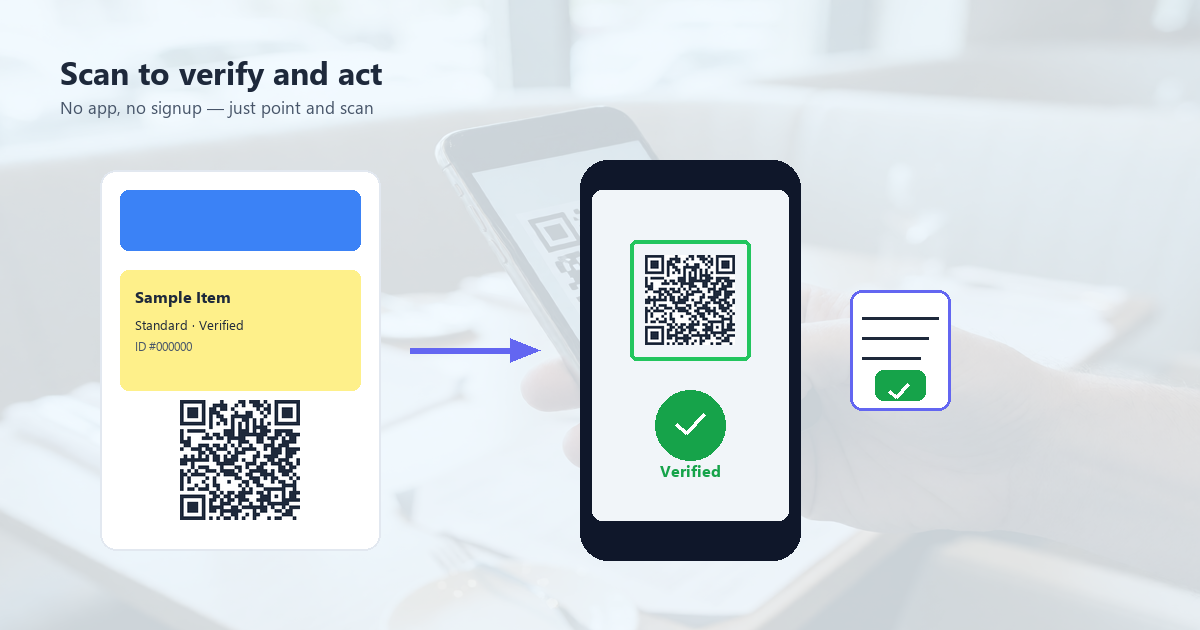
How to Set Up a Restaurant Menu QR Code (3 Steps)
The fastest path from \u201cno QR code\u201d to \u201cscan-to-see-menu on every table\u201d takes about 30 minutes. Here\u2019s the exact workflow.
Step 1: Host your menu somewhere
You need a stable URL for your menu. The options, in order of preference:
- Your own website (best): You already control it, it\u2019s free, and changes are instant. Create a page at
yourrestaurant.com/menu. - A hosted menu service (easy): Tools like GloriaFood, Choco, or BentoBox let you build a digital menu in 15 minutes and they handle the hosting. Free tiers exist; paid plans start around $10/month.
- A PDF on cloud storage (avoid if you can): A Google Drive or Dropbox link to a PDF works, but PDFs are awkward on phones, can\u2019t be analytics-tracked, and look dated.
For most restaurants, a simple yourrestaurant.com/menu HTML page with sections for food, drinks, and specials is the cleanest approach. It\u2019s fast, mobile-friendly, and you can update it anytime.
Step 2: Generate the QR code
Take that menu URL and turn it into a QR code. Use the URL type in any QR code generator. QR Tool Studio has this built in \u2014 it\u2019s the URL tab. Important settings:
- High error correction (H): If you add a logo in the center, this lets the code still scan even with 30% of it covered.
- PNG or SVG export: PNG is fine for digital displays and most printing. SVG is better for large-format prints like window clings.
Generate multiple variants \u2014 one for table tents, one for the host stand, one for window signage. They all point to the same URL, but you can size each for its location.
Step 3: Print and place
For a sit-down restaurant:
- Table tents (every table): 4x4 inches minimum, ideally 5x5 or 6x6. Laminated or in a tabletop stand. Add a one-line call-to-action like \u201cScan to see our menu\u201d in your brand font.
- Host stand (entrance): A larger 8x8 standee so people can scan before being seated. Reduces the \u201cwhere\u2019s the menu?\u201d bottleneck during the wait.
- Window cling: A 10x10 or larger outdoor decal so people can scan from the sidewalk. Strong signal for walk-ins browsing the menu before committing.
- Receipts: A small QR on every receipt, especially useful for repeat visits. \u201cOrder again online\u201d type messaging.
5 Best Practices for a Restaurant Menu QR Code
Most \u201cmy QR menu doesn\u2019t work\u201d complaints come from one of these five mistakes. Avoid them and you\u2019ll be fine.
1. Use a stable URL you control
Don\u2019t point your QR code to a third-party menu service\u2019s default URL if you can avoid it. If you switch services, your QR code breaks. The URL on the QR should be on your own domain (yourrestaurant.com/menu) and your domain should redirect to whichever service you use. That way, if you change services, you update the redirect, not the QR codes on 200 table tents.
2. Test in your actual lighting
Restaurant lighting is harsh \u2014 dim, warm, often with reflections off glass and metal. Print one QR code, place it where you plan to use it, and try scanning from every seat at every table, in the lighting at different times of day. A QR code that scans perfectly in your bright office can fail miserably in a candlelit dinner service.
3. Laminate or use coated paper
Tables get wiped, drinks spill, sauces splatter. Uncoated paper QR codes last about a week in heavy restaurant use. Laminated or coated codes last 6+ months. The 50 cents per table to laminate is a no-brainer ROI.
4. Include a one-line call-to-action
Don\u2019t just put a bare QR code on the table. Add a short, friendly instruction in your brand voice:
- \u201cScan for today\u2019s menu\u201d
- \u201cSee our wine list \ud83c\udf77\u201d
- \u201cOrder from your table\u201d
What the code is for matters more than the code itself. A QR code with no context gets ignored.
5. Always have a physical menu available
Some customers prefer paper. Some have phones out of battery. Some are 75 and don\u2019t want to squint at a phone. About 5\u201310% of diners will ask for a physical menu even with a QR on the table. Keep a small stack of paper menus in a drawer for those customers. The QR is the primary, the paper is the fallback.
Where QR Menus Work Best
Once you have the code, placement and use case matter. Here are the highest-ROI spots.
Sit-down full-service restaurants
The classic use case. QR on every table, paper menus as backup. Most operators report a 90%+ QR adoption within 2 months of launch.
Cafes and coffee shops
Often paired with a simpler ordering system: customer scans, sees the menu, taps the items they want, pays. This skips the counter entirely. Works best for high-volume, low-customization orders (a latte, a pastry, a sandwich).
Bars and cocktail lounges
The drink list is where the money is, and a cocktail menu is usually more visually rich than a food menu. A well-photographed cocktail menu QR can lift average bar tabs by 15\u201320%.
Hotels and hospitality
Room service menus, in-room dining, pool bar menus \u2014 all benefit from a single QR in the room or on the table. Updating seasonal offerings is one click, not a printing round.
Pop-ups, food trucks, and catering
Especially useful for businesses that don\u2019t have a fixed location. A QR on a sandwich-board sign lets customers see the menu before they walk up, and you can update the daily specials every morning from your phone.
Branded vs. Plain: Does Design Matter?
Functionally, a black-and-white QR code and a branded one are identical. Both scan. Both work. But for restaurants, the design difference has a real impact.
A plain black-and-white QR code says \u201cthis restaurant was too cheap or too lazy to brand their materials.\u201d A branded QR code with your logo and colors says \u201cthis is a thoughtful place where attention to detail matters.\u201d The latter is part of the dining experience, and for a higher-end restaurant, it\u2019s worth the 5 extra minutes.
For a quick-service or value-priced restaurant, a plain QR code is fine. For a sit-down or upscale concept, brand it.
Frequently Asked Questions
Is a QR code menu better than a paper menu?
Not universally \u2014 it depends on the restaurant. For high-volume, frequently changing menus (brunch spots, bars with rotating taps, daily specials), QR is clearly better. For fine-dining with curated descriptions and high-margin items where a sommelier or server is walking the table, a paper menu still has a place. Most modern restaurants do both.
Do customers actually use QR menus?
Yes, and the rate has climbed every year since 2020. Most operators report 70\u201390% of customers scan the QR on their first visit, with slightly lower rates on return visits. Adoption is highest among 18\u201344 year olds and lowest among 65+.
Should I use a PDF or HTML for my digital menu?
HTML. PDFs are hard to update (you need to regenerate and re-upload), they don\u2019t render well on small phones, they don\u2019t support analytics, and they look dated. A simple HTML page with sections and high-quality photos will always beat a PDF menu in customer experience.
How big should the QR code be when printed?
Minimum 1.5x1.5 inches (about 4x4 cm) for table-top use. For wall or window signage, 6x6 inches or larger. The bigger the code, the more reliable the scan from a distance or at an angle.
Do I need a special app to make a QR menu?
No. Any QR code generator will work. You just point it at your menu URL. If you want analytics (which dishes people tap), use a hosted menu service like GloriaFood or Choco \u2014 they include both the menu hosting and a trackable QR code.
What if my menu URL changes?
If you set up your QR to point to a URL on your own domain (yourrestaurant.com/menu), and that page redirects to wherever your actual menu lives, you can change the destination anytime without reprinting QR codes. This is the single most important setup decision. Never point a QR code directly to a third-party URL.
Can QR codes be hacked or replaced?
In theory, yes \u2014 a bad actor could print a sticker with a malicious QR code over yours. In practice, this is rare for restaurants. Mitigations: place the QR in a spot customers can see you placing it (a frame you put up, not a free-standing sticker on the window), and use a branded QR code with your logo so a fake is obvious.
Get Your Restaurant Menu QR Code in 30 Minutes
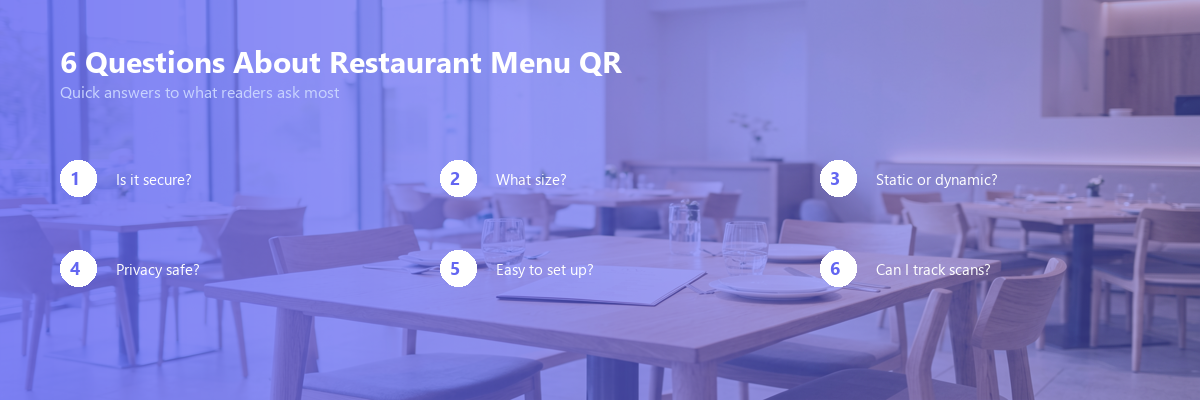
You\u2019ve read the theory. Now make the actual code. QR Tool Studio has a free URL QR generator that works in your browser \u2014 no signup, no email, nothing installed. Just paste your menu URL, customize the colors if you want, and download.
Your next menu change will be a 5-minute website edit, not a $500 reprint order.