You’re standing in a store trying to decide: do I tap my phone (NFC) or scan a code (QR)? Both technologies have been around for over a decade, but they’ve evolved into very different tools. QR codes vs NFC isn’t a winner-takes-all comparison — it’s about understanding which tool fits which job. This guide breaks down the technical differences, cost structures, user experiences, and ideal use cases for each, so you can make the right choice for your business.
By the end, you’ll know exactly when to use a QR code, when to use NFC, and when (rarely) to use both. Let’s get into it.

What Is NFC?
NFC stands for Near Field Communication. It’s a short-range wireless technology that allows two devices to communicate when they’re within about 4 cm (1.5 inches) of each other.
How NFC works
NFC uses electromagnetic induction between two antennas. One device (the "initiator") generates a magnetic field that powers the other device (the "target"). The target can be a passive NFC tag (a sticker, card, or wristband with no battery) or an active NFC device (like your phone).
When you tap your phone on an NFC payment terminal, your phone is the initiator, the terminal is the target, and they exchange payment credentials in under a second. When you tap your phone on an NFC tag, the tag (powered by the phone’s magnetic field) sends its stored data — usually a URL, contact info, or command — back to the phone.
Where NFC lives in your phone
Modern smartphones (iPhone XS and later, most Android phones from the last 5 years) have NFC chips built in. On iPhone, NFC is on by default. On Android, NFC is usually in the quick settings menu. Your phone probably already has NFC — you just may not use it daily.
What NFC tags look like
NFC tags are small, thin, and passive (no battery). They come in many form factors:
- Stickers (the most common, can be stuck on anything)
- Cards (credit-card sized, often used for business cards or access)
- Wristbands (events, hotels, theme parks)
- Key fobs (apartment access, car keys)
- Embedded in products (some products ship with NFC tags inside)
A typical NFC sticker is about the size of a quarter and costs $0.10-0.50 in bulk.
What Is a QR Code?
If you’re reading this, you already know what a QR code is. But for completeness: a QR code is a 2D matrix barcode that encodes data (usually a URL) in a pattern of black and white modules. Smartphones scan QR codes using their built-in cameras.
How QR codes work
The camera captures the QR code image. Software on the phone detects the three position-detection patterns (the big squares in the corners), decodes the data modules using error correction, and acts on the result — usually by opening the URL in a browser.
Where QR codes live
QR codes are everywhere now. Restaurant menus, business cards, posters, product packaging, payment apps, airline tickets, event tickets, gym check-ins, COVID health passes, package tracking — the list grows every month.
What QR codes look like
QR codes are visual patterns. They can be printed on paper, displayed on screens, etched into metal, painted on walls, embroidered on clothing, or tattooed on skin (yes, really). A QR code is fundamentally just an image, so it can live on any surface that can hold an image.
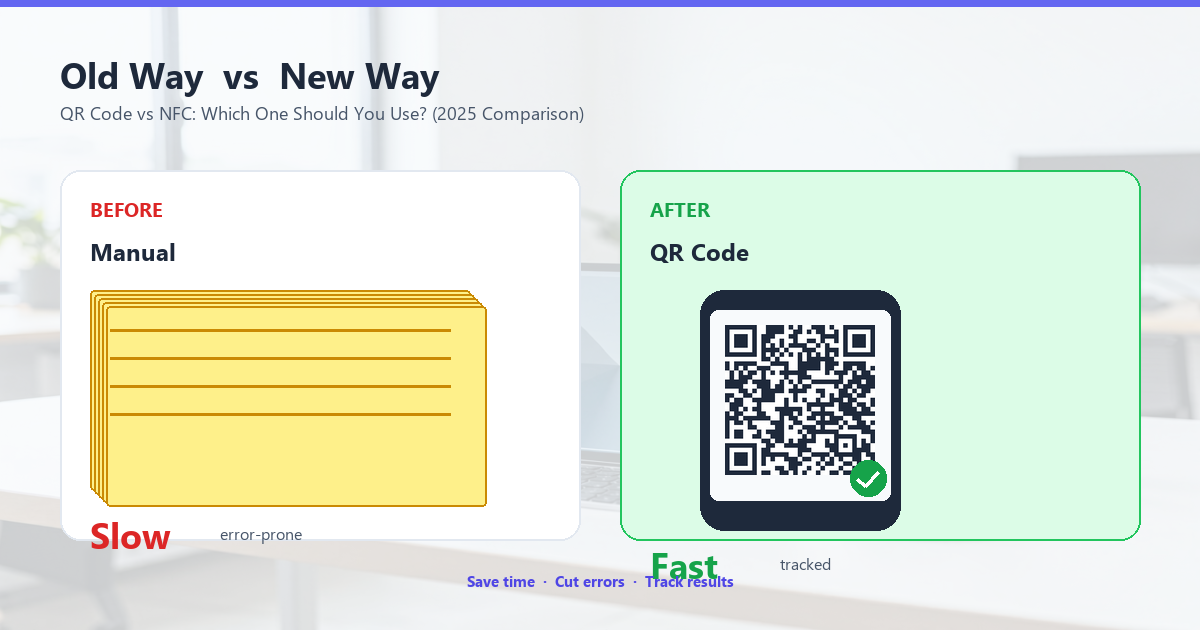
QR vs NFC: Head-to-Head Comparison
Let’s put these side by side on the dimensions that matter for your decision.
Cost
QR codes: Free to nearly free. Generating a QR code costs nothing — many free tools exist. Printing costs depend on the medium: $0 for digital displays, $0.01-0.05 per flyer, $0.50-2.00 per yard sign, $0 for t-shirts (just the print cost).
NFC tags: $0.10-0.50 per tag in bulk, $1-5 per tag for premium versions. NFC tags have a physical chip that costs money. Plus, you need NFC-compatible hardware to write to them. For a small business ordering 1,000 NFC tags, expect to pay $100-500 plus shipping.
Winner: QR codes, by a wide margin. QR codes are essentially free to deploy at scale; NFC tags have a real per-unit cost.
Ease of use
QR codes: Easy but requires aim. Open the camera, point it at the code, wait for the notification, tap to open. Most modern phones do this in 2-3 seconds. The catch: you have to aim the camera at the code, and in low light or at odd angles, it can be slow.
NFC: Easier but requires hardware knowledge. Unlock the phone (some NFC implementations require this), tap the phone on the tag, the action happens automatically. Total time: 1-2 seconds. The catch: many users don’t know their phone has NFC, don’t know where the NFC antenna is, or have NFC turned off.
Winner: Tie, with NFC slightly ahead for users who know how to use it, and QR ahead for users who don’t. Most consumers are more familiar with QR codes than NFC, especially post-2020.
User adoption
QR codes: Near-universal support. Every modern smartphone can scan QR codes using the built-in camera. No app download, no setup. Globally, QR code awareness is over 80% of smartphone users.
NFC: Limited awareness, variable support. While most modern phones have NFC, user awareness is much lower. Many people have never tapped their phone on anything. Apple Pay, Google Pay, and contactless payment have raised NFC awareness, but tapping an NFC tag for marketing or information is still unfamiliar to most consumers.
Winner: QR codes. The familiarity factor is huge. When you can rely on users knowing how to interact with something without explanation, the choice is clear.
Speed
QR codes: 2-4 seconds typical. Open camera (or use existing camera view), point, focus, scan, tap notification. In good conditions, 2 seconds. In low light, 3-4 seconds.
NFC: 1-2 seconds typical. Wake phone, tap on tag, action happens. Faster, but only marginally, and only when the user has NFC enabled and knows where the antenna is.
Winner: NFC, slightly. The speed difference is real but not dramatic. The user-experience gap is bigger for users who don’t know how to use NFC.
Range and reliability
QR codes: Works at any distance the camera can focus. Typically 4-12 inches. Some codes are designed to scan from across a room (large billboard QR codes). Works in any lighting that the camera can handle.
NFC: Works at 0-4 cm only. You need to physically touch the tag with the phone (or come very close). The tight range is actually a security feature — accidental scans are nearly impossible.
Winner: QR codes for range, NFC for security. If you want a sign that can be scanned from across a parking lot, use QR. If you want to ensure the user is physically right next to the tag, use NFC.
Data capacity
QR codes: Up to 7,089 numeric characters or 4,296 alphanumeric characters. Plenty for URLs, contact info, plain text, WiFi credentials, etc. Larger QR codes are needed for more data, which can be impractical.
NFC tags: A few hundred bytes to a few kilobytes. NFC tags are typically used for short URLs (which the phone then opens), IDs, or simple commands. They can store small amounts of data but not large files.
Winner: QR codes. But for the use cases both serve (URLs, contact info), neither hits capacity limits.
Security
QR codes: Anyone can print one. This is both a feature and a security risk. Anyone can print a QR code that links to a malicious site. Users have no way to verify the destination before scanning. Phishing QR codes are a real problem.
NFC: Tamper-evident tags possible. NFC tags can be locked, encrypted, or made tamper-evident. The short range means accidental scans are nearly impossible. For high-security use cases (payments, access control), NFC is more secure.
Winner: NFC. For most marketing and information use cases, QR code security is fine. For payment and access control, NFC is more secure.
Offline functionality
QR codes: Internet required for URLs. The QR code can be scanned offline, but if it points to a URL, the phone needs internet to actually do anything. Plain text QR codes (like WiFi credentials) work offline.
NFC: Can trigger actions without internet. NFC tags can trigger phone actions (turn on WiFi, set an alarm, open a specific app) without internet. The phone’s NFC handler can execute these commands locally.
Winner: NFC, for automation use cases. For most marketing uses, this doesn’t matter.
When QR Codes Win
QR codes are the right choice in the majority of marketing and information use cases. Specifically:
1. Restaurant menus
QR codes are the standard for restaurant menus now. The cost is zero, the user experience is familiar, and the menus can be updated instantly without reprinting.
2. Marketing materials
Flyers, posters, business cards, packaging, billboards, t-shirts — anywhere you need to bridge from physical to digital, QR codes are the default.
3. Ticketing and events
Concerts, conferences, sports games, transit — all use QR codes for tickets. The infrastructure is universal, the cost is minimal, and the user experience is well-known.
4. Payment (consumer-to-business)
WeChat Pay, Alipay, and most modern payment apps use QR codes for consumer-to-business payments. The customer scans a code at the merchant, enters the amount, and pays. NFC tap-to-pay is more common at retail terminals, but QR codes dominate in person-to-person and informal commerce.
5. Long URLs or complex content
When you need to link to a long URL with tracking parameters, a QR code handles it. NFC tags are limited to short URLs and simple commands.
6. When cost matters
When you’re deploying thousands or millions of touchpoints, QR codes are essentially free. NFC tags add real per-unit cost that scales with deployment.
7. When you need flexibility
QR codes can be added to existing materials, redesigned instantly, and updated without reprinting. NFC tags require a physical chip and are fixed once deployed.
When NFC Wins
NFC is the right choice in specific use cases where it has clear advantages:
1. Contactless payments (retail terminals)
Apple Pay, Google Pay, and contactless credit cards all use NFC for retail point-of-sale. The user experience is faster than QR (tap, no camera, no aiming), and the security model is more robust.
2. Access control
Hotel room keys, office access, gym entry, transit cards, event wristbands — NFC is the standard. The short range and security features make it ideal.
3. Authentication and pairing
Bluetooth pairing, two-factor authentication, secure device setup — NFC is used because the tight range ensures intentional use.
4. Smart packaging and IoT
Some products include NFC tags that consumers can tap to verify authenticity, get product info, or register the product. This works well for high-value items (luxury goods, electronics) where authenticity verification matters.
5. Smart posters with automation
Some smart posters use NFC tags to trigger phone actions: add an event to the calendar, download a specific app, connect to a specific WiFi network. QR codes can do similar things, but NFC is more reliable for these automation tasks.
6. High-traffic public transport
Many public transport systems (London Underground, Hong Kong MTR, Japan Suica) use NFC cards or NFC phones for tap-in/tap-out. The speed and reliability matter more than the cost in these contexts.
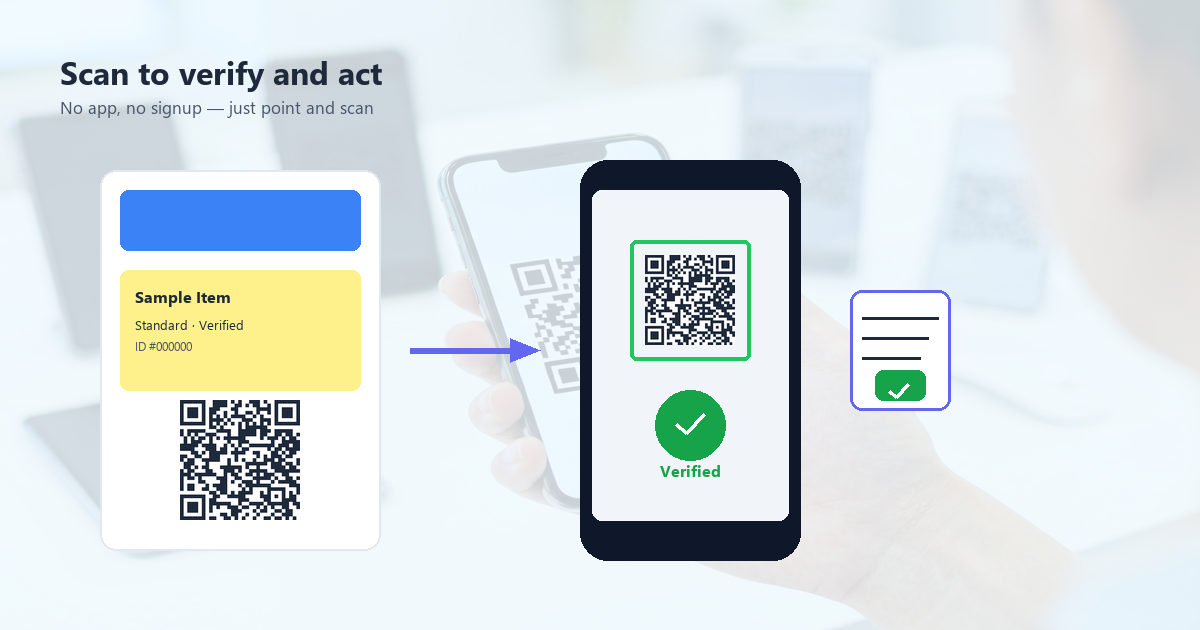
When to Use Both
In some cases, using QR codes and NFC together gives the best of both worlds.
Smart posters with multiple touchpoints
A smart poster with both a QR code (for users who prefer scanning) and an NFC tag (for users who prefer tapping) accommodates both user preferences at minimal extra cost.
Premium products with multiple use cases
A wine bottle with an NFC tag for authentication and a QR code for the tasting notes gives different users different ways to engage.
Events with multiple checkpoints
A conference with QR codes for session check-in (cheap, easy) and NFC wristbands for VIP access (secure, fast) uses each technology where it excels.
Cost consideration for hybrid
Adding NFC to existing QR-code-based materials adds $0.10-0.50 per touchpoint in NFC tag costs. For high-value or high-traffic touchpoints, this is worth it. For low-value or low-traffic, stick with QR only.
The Future: Will NFC Replace QR Codes?
Short answer: no, but they’ll coexist. Here’s why.
NFC adoption is growing but limited
NFC payments are growing fast (Apple Pay, Google Pay, contactless cards), but NFC for general information access is still rare. Most users don’t think to tap their phone on a poster or product; they look for a QR code or a URL.
QR codes are getting better
New QR code standards (like the rectangular "Frame QR" or animated QR codes) are pushing the technology forward. AI-powered QR codes that adapt their appearance based on viewing distance or angle are also emerging.
The user adoption gap is the real limit
Until tapping NFC tags for general use becomes as familiar as scanning QR codes, NFC will stay in the payment-and-access-control niches. QR codes are universal; NFC is specialist.
Predictions for 2026-2030
- QR codes: Continued growth, especially in marketing, payments, and ticketing. The universal standard for bridging physical to digital.
- NFC: Growing in payments, access control, and authentication. Will become standard in more products (apparel, packaging, devices).
- Hybrid: More common, especially in premium products and smart cities.
- Other tech (BLE, UWB, computer vision): May enter the space, but QR and NFC are entrenched.
How to Choose: Decision Framework
Use this quick framework to decide which technology fits your use case.
Step 1: What’s the user action?
- Open a URL, see info, save contact, pay informally → QR code
- Pay at a terminal, unlock a door, authenticate, pair a device → NFC
Step 2: What’s your budget?
- Tight budget or high scale → QR code (essentially free)
- Higher budget for premium experience or security → NFC
Step 3: Who’s your user?
- General consumers (all ages) → QR code (familiar, no learning curve)
- Tech-savvy early adopters → NFC works well
- Specific security or payment needs → NFC is more secure
Step 4: What’s the environment?
- Outdoor, high glare, large viewing distance → QR code
- Indoor, controlled environment, close proximity → NFC works well
Step 5: How flexible do you need to be?
- Need to update content frequently → QR code (dynamic)
- Content is fixed → Both work; QR is cheaper
Combining QR and NFC Strategically
If budget allows, using both technologies together can maximize engagement.
When hybrid makes sense
- Premium product packaging
- High-traffic public touchpoints
- Multi-purpose marketing campaigns
- Smart city infrastructure
When to stick with one
- Limited budget → QR only
- Specific security or payment need → NFC only
- General marketing → QR is sufficient
Frequently Asked Questions
Can a phone have both NFC and a camera for QR codes?
Yes. Every modern smartphone has both. They don’t interfere with each other.
Are QR codes more secure than NFC for payments?
NFC is generally more secure for payments because of the short range and chip-level encryption. QR-based payments (like WeChat Pay) are also secure but rely more on software-level security and user awareness.
Can I print a QR code on an NFC tag?
Yes. Some NFC tags come pre-printed with QR codes. This gives users the choice of which method to use. Cost is slightly higher ($0.50-1.00 per tag).
Do iPhones and Android phones handle QR codes and NFC the same way?
For QR codes, yes — both have built-in camera scanning. For NFC, there are some differences: iPhone requires user authentication (Face ID/Touch ID) for most NFC actions, while Android is more lenient.
Which is better for small businesses?
QR codes for most use cases. They’re free, familiar, and work on every phone. Add NFC only if you have a specific high-value or security-driven need.
Can I add NFC to an existing QR code campaign?
Yes, you can layer NFC tags onto existing QR-coded materials. Most users will use the QR code, but the small percentage who tap will appreciate having the option. This is a good strategy for premium products or high-traffic locations.
What about Apple’s Visual Look Up or Google Lens?
These computer vision tools can recognize QR codes in images (not just live camera) and extract URLs. They’re useful for scanning QR codes in photos, screenshots, or videos, but they don’t replace the native camera-based scanning. The technology is complementary.
What to Read Next
If you’re choosing between QR codes and NFC for a specific use case, these guides will help you decide:
- QR Code Statistics 2025 — How consumers actually use QR codes today
- How QR Codes Work — The technical foundation of QR codes
- QR Code History — Why QR codes became universal
- QR Code for Payments — The specific use case where QR vs NFC is most contested
- Dynamic vs Static QR Codes — Choose the right QR type for your campaign
For most businesses, the answer is simple: use QR codes. They’re free, universal, and familiar. Reach for NFC only when you have a specific payment, access, or security need that QR codes can’t serve. The two technologies will coexist for decades, each doing what it does best.