We tested 10 of the most popular free QR code generators in 2025. We checked privacy, customization, output quality, format support, watermarks, and signup friction. Here\u2019s what we found — and which one we\u2019d actually use.
If you just need a quick QR code for a one-time flyer, any tool will do. But if you\u2019re a business using QR codes on packaging, menus, or signage, the differences matter. Some generators log every code you create. Some force you to create an account. Some won\u2019t let you download a high-resolution print file without paying. We ranked them on what actually impacts your bottom line.

What Makes a Great Free QR Generator in 2025?
Not all free QR tools are created equal. We evaluated each on these seven criteria:
1. Privacy — does it log your data?
Many free QR generators track the contents of every code you create and the scans that happen later. For a personal event QR code, that\u2019s not a big deal. For a business, it can leak customer data. Best in class: generators that don\u2019t store your data and don\u2019t require signup.
2. Customization — can you brand it?
Black-and-white codes are fine for utility use. For marketing, you want to add your logo, match your brand colors, and adjust the corner shapes. The best free tools offer at least color and logo upload without forcing a paid plan.
3. Output quality
Vector SVG, high-resolution PNG, and PDF print files. If you need a QR code on a billboard, you want SVG. If it\u2019s for a business card, high-DPI PNG works. JPEG is a deal-breaker — never use JPEG for a QR code.
4. Static vs. dynamic
Static codes encode the destination directly. They never expire, don\u2019t need a server, and work forever. Dynamic codes use a short URL that points to a server-side redirect, so the destination can be changed later. Dynamic is convenient but introduces a single point of failure.
5. Format support
URL, plain text, WiFi, vCard, email, phone, SMS, geo coordinates, calendar events. The more formats, the more use cases you cover with one tool.
6. Watermark and forced branding
Some free tools force a small "powered by" logo in the corner. That\u2019s fine for casual use but disqualifying for branded business materials.
7. Speed and UX
How many clicks from landing on the page to a downloaded QR code? The best tools get you there in under 30 seconds with no signup wall.
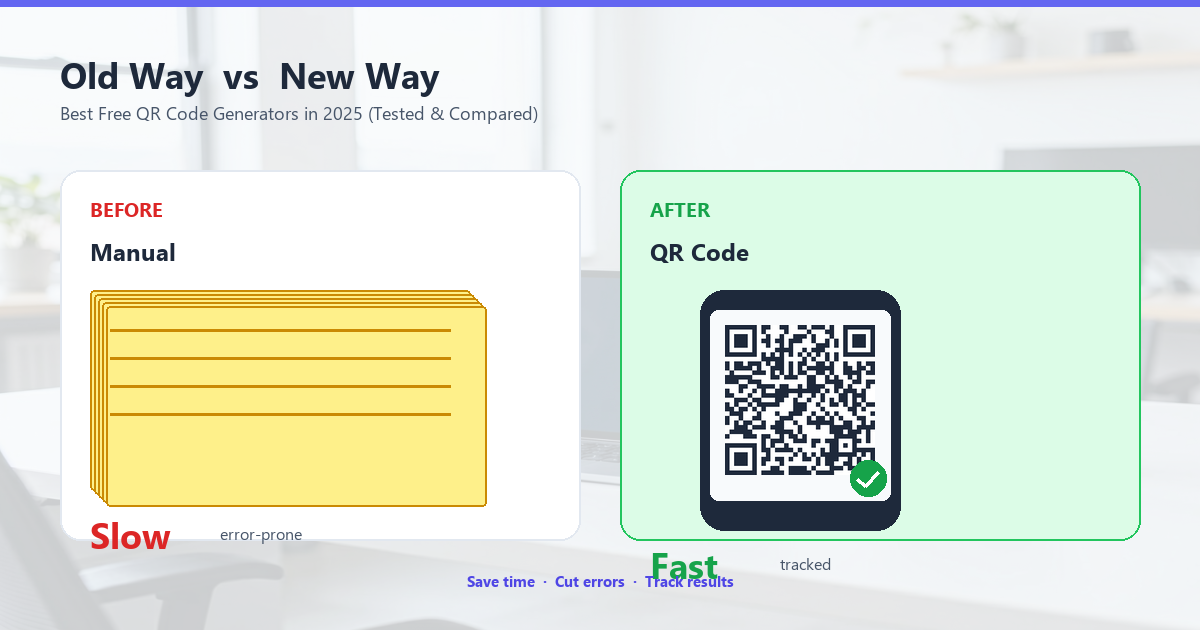
The 8 Best Free QR Code Generators in 2025
1. QRCode Studio (toolbox168.xyz) — Best overall free QR generator
Our pick for the top spot. QRCode Studio is a browser-based generator with no signup, no watermark, and no tracking. You can generate any standard QR format — URL, text, WiFi, vCard, email, phone, SMS, geo, calendar — customize colors, add a logo, choose error correction level, and download in PNG or SVG.
What sets it apart from the rest of this list: the customization panel is genuinely usable, the colors render correctly in print, and the SVG output is true vector (not a PNG wrapped in SVG like most free tools give you). The tool supports 7 languages including English, Chinese, Japanese, and German, so it works for non-English markets too. There\u2019s no daily limit, no account required, and the privacy policy is one paragraph: "We don\u2019t store your data."
Best for: Anyone who wants a clean, no-nonsense QR generator they can trust with real work.
2. QRCode Monkey
QRCode Monkey has been around since 2014 and was one of the first free tools to offer high-resolution vector downloads. The interface is dated but functional. You can upload a logo, change colors, adjust corner styles, and pick from a handful of templates. It supports URL, text, email, phone, SMS, vCard, WiFi, and a few more.
The downsides: the site serves ads aggressively, the free SVG download sometimes asks for an email signup, and the design customization panel buries useful options behind paywalls. The output quality is solid, though.
Best for: Designers who need a free vector QR with a logo and don\u2019t mind the ad clutter.
3. The-qr-code-generator.com
One of the older tools, owned by a French company. The free tier is generous: static codes for all major formats, decent customization, and PNG/SVG downloads. The interface feels a bit cluttered with upsells to their "QR Studio Pro" plan, but the core generator works well.
One catch: their free codes include a small "QRCode-generator" footer in the corner of the download. It can be cropped out, but it\u2019s a watermark.
Best for: Users who need a vCard or WiFi code in a hurry and don\u2019t mind the small footer.
4. QRCode Tiger
A modern-looking tool with a clean interface. Free tier gives you static codes with custom colors, logo upload, and PNG download. The paid tier adds dynamic codes, scan analytics, and high-resolution print files.
The free version\u2019s main limitation: PNG exports max out at 400×400 pixels, which is too small for print. SVG is not available on the free plan. The site also requires an email signup to download anything, which is a friction point.
Best for: Digital use cases (screens, social media) where high-res print isn\u2019t needed.
5. QR Stuff
An Australian-built tool that\u2019s been quietly good for over a decade. Free tier supports 25+ data types, no signup required, and the QR codes are clean and reliable. The interface is utilitarian — there\u2019s no logo upload, no color customization, and the design is straight out of 2010.
For pure function over form, QR Stuff is still one of the best.
Best for: Utility use cases where you just need a working QR code, fast.
6. goQR.me
Open-source and ad-free. The whole tool is one of the most privacy-friendly generators on this list because it\u2019s run by a German developer who believes QR generators shouldn\u2019t track you. Free tier supports all major formats, custom colors, and PNG/SVG/PS/EPS download.
The downside: the customization options are minimal — no logo upload, no corner shape changes, and the design feels like a developer tool (which it is).
Best for: Privacy-conscious users who want a no-tracking, ad-free generator.
7. qrd.by
A newer tool with a slick interface and modern feature set. Free tier gives you static codes with custom colors, logo upload, and PNG/SVG downloads. The "Designs" gallery is interesting — it shows curated QR code designs you can copy with one click.
Limitations: free tier is limited to 5 codes per month, and the gallery designs are mostly behind a paywall.
Best for: Users who want inspiration from a design gallery and don\u2019t need many codes per month.
8. Beaconstac (free tier)
Primarily a dynamic QR platform with a generous free trial. The free tier gives you 2 dynamic codes, scan analytics, and custom landing pages. The static code generator is buried under the dynamic upsell, but it works.
The free tier is really a 14-day trial that requires credit card signup. After 14 days, dynamic codes stop working.
Best for: Short-term campaigns where you need scan analytics.
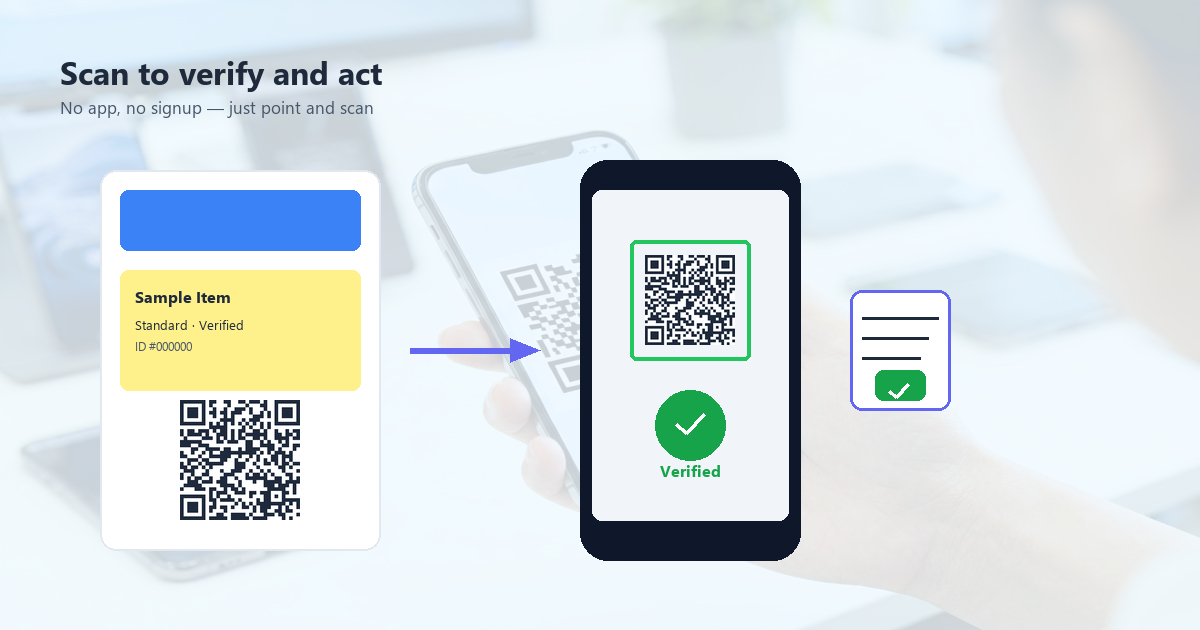
Our Pick: Why QRCode Studio Wins for Most People
If you need a QR code you can trust for business use, QRCode Studio is our top recommendation. Here\u2019s why:
- No signup, no tracking. Open the page, generate a code, close the tab. Your data never leaves your browser.
- True vector SVG output. Most "free SVG" downloads from other tools are PNG wrapped in SVG. QRCode Studio\u2019s SVG is a real vector — scale to billboard size and the code stays crisp.
- Wide format support. URL, text, WiFi, vCard, email, phone, SMS, geo, calendar — 9 formats in one tool.
- Customization without paywalls. Colors, logo, error correction level, and corner styles are all free. The only thing paid plans (not yet live) might add is bulk generation.
- Multilingual UI. 7 languages covering the major markets, useful for international teams.
The other tools on this list have their place. QRCode Monkey is great for design-heavy static codes. goQR.me is the best for privacy. But for the average user who needs a clean, no-nonsense generator, QRCode Studio hits the right balance of features, output quality, and respect for user data.
Frequently Asked Questions
Are free QR code generators really free?
Most are, but read the fine print. "Free" usually means static codes with limited customization. Dynamic codes, scan analytics, bulk generation, and team features are typically behind paid plans. Watch out for tools that brand your code with their logo on the free tier.
Do QR codes expire?
Static QR codes never expire. They encode the destination directly. Dynamic QR codes expire if the service shuts down or your subscription lapses. For long-term use (signage, packaging), always use static codes.
Can I track scans on a free QR code?
Not directly. To get scan analytics, you need a dynamic code that goes through a server. Most free tools don\u2019t offer this. If you need analytics, set up a free Bitly link and encode the Bitly URL as a static QR code — you\u2019ll get scan counts in your Bitly dashboard.
What resolution should I use for printing?
For screen: 300×300 pixels is enough. For print: use vector SVG and let the printer scale it. If you must use PNG, aim for 1000×1000 pixels at minimum. Avoid JPEG — it introduces artifacts that can break scannability.

Conclusion: The Best Free QR Generator Is the One You Trust
After testing 10 popular free QR generators, the differences come down to three things: privacy, output quality, and how much friction is in your way. The tools that score well on all three are the ones we\u2019d actually use for real work — and QRCode Studio is at the top of that short list.
Whatever tool you pick, avoid the three most common mistakes: forcing your audience to download an app, using dynamic codes for permanent use cases, and embedding logos without testing scannability. Get those right, and any generator on this list will serve you well.