QR codes and barcodes look superficially similar \u2014 both are patterns of black and white marks that machines read. But they were designed for different jobs, store different amounts of data, and work in fundamentally different ways. This guide explains the differences, when to use each, and why both are still relevant in 2025 despite predictions that one would replace the other.
If you\u2019re choosing between QR codes and barcodes for a product, packaging, ticket, or inventory system, the answer depends on what you need to encode, how much you need to store, and how the code will be scanned. Most modern deployments use QR codes. But barcodes aren\u2019t dead \u2014 they\u2019re just specialized.

Where They Came From
Both technologies are decades old and were designed for specific use cases that shaped their design.
Barcodes: 1952 (invented), 1974 (first product scanned)
Barcodes were invented in 1952 by Norman Joseph Woodland and Bernard Silver. The first commercial use was a pack of Wrigley\u2019s gum scanned at a Troy, Ohio supermarket in 1974. The original use case was automating grocery checkout \u2014 the technology replaced price stickers and manual entry at the register.
Because barcodes were designed for grocery checkout, they had specific design constraints: they needed to be printed cheaply on product packaging, scanned at a fixed distance and angle, and store just enough data to identify a product (typically a 12-digit number that pointed to a price in the store\u2019s database).
QR codes: 1994 (invented), 2017 (mainstream in the West)
QR codes were invented in 1994 by Masahiro Hara at Denso Wave for tracking vehicle parts in Toyota factories. The use case was industrial \u2014 codes needed to be scannable in any orientation, on dirty or scratched parts, with high accuracy. The design prioritized data capacity and reliability over printing cost.
Because QR codes were designed for industrial tracking, they had different design constraints: they needed to be readable from any angle, survive damage, and store enough data to encode part numbers, lot codes, and other tracking information directly in the pattern.
The Technical Differences
Data capacity
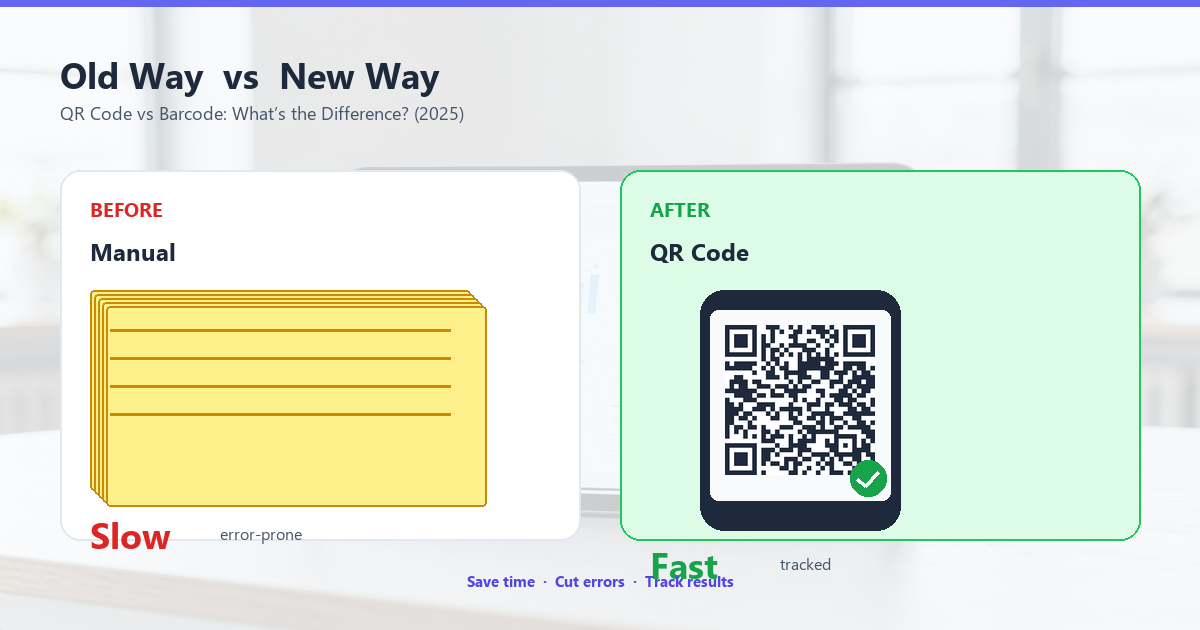
Barcodes (standard UPC/EAN): 12-13 digits. Just enough to point to a product ID in a database.
QR codes: Up to 7,089 numeric characters or 4,296 alphanumeric characters. About 350x more than standard barcodes.
This is the biggest practical difference. Barcodes can identify a product; QR codes can encode the product information directly.
Scanning direction
Barcodes: Must be scanned horizontally. The scanner reads the bars left-to-right or right-to-left, but the orientation matters. The scanner needs to be roughly aligned with the code.
QR codes: Can be scanned in any orientation (360 degrees). The three finder patterns in the corners allow the scanner to detect the code\u2019s orientation and rotate the image accordingly.
This is why QR codes are used in restaurant menus and other applications where the user might hold their phone at any angle.
Damage tolerance
Barcodes: Limited. A single damaged bar can prevent the whole code from scanning. Some barcodes include a check digit, but they can\u2019t recover from damage.
QR codes: Built-in Reed-Solomon error correction. Codes can recover from 7% (L), 15% (M), 25% (Q), or 30% (H) damage, depending on the level chosen at generation.
Print cost
Barcodes: Cheap. A standard barcode is a single line of vertical bars, simple to print at any resolution. Thermal printers (the kind at grocery checkout) can print barcodes on the cheapest paper at any size.
QR codes: Slightly more expensive to print because they require a 2D pattern at higher resolution. Still cheap, but not as cheap as barcodes at scale.
Scanner cost
Barcodes: Cheap laser scanners can be had for under $20. They\u2019re dedicated hardware that only reads barcodes.
QR codes: Need a camera-based scanner (typically a smartphone). The hardware is more expensive but already in everyone\u2019s pocket.
When to Use Each
The two technologies serve different purposes. Here\u2019s how to choose.
Use a barcode when:
- You need to identify a product (12-13 digits is enough)
- You\u2019re printing millions of labels and need the cheapest possible print cost
- You have dedicated barcode scanners (grocery checkout, warehouse inventory)
- The code is scanned in a controlled environment (always the same orientation, always clean)
Barcodes are still the right choice for grocery checkout, warehouse inventory, library books, and any application where you need to scan millions of items quickly and cheaply.
Use a QR code when:
- You need to encode more than 20 characters of data (a URL, contact info, multi-line data)
- The user might scan the code at any angle
- The code will be in a non-controlled environment (might get dirty, scratched, wet)
- You want users to scan with their phone (no dedicated hardware)
- You want to encode a logo or brand elements within the code area
QR codes are the right choice for restaurant menus, marketing materials, business cards, product packaging with traceability data, event tickets, and any application that puts a phone in the user\u2019s hand.
Why They Coexist
Predictions that QR codes would replace barcodes have been around since 2010. They haven\u2019t happened, and they probably won\u2019t. The two technologies are optimized for different things:
- Barcodes are cheaper to print at scale and read at speed (groceries, warehouses).
- QR codes are better for mobile scanning, high data capacity, and reliability.
Many products carry both: a standard barcode for checkout (used by the grocery industry) and a QR code for traceability, marketing, or consumer engagement. This dual-label approach is increasingly common on consumer packaged goods, especially in food and pharmaceuticals.
How They\u2019re Scanned
The scanning process is fundamentally different.
Barcode scanning
A laser scanner sweeps a horizontal beam across the barcode. The bars reflect or absorb the laser light depending on whether they\u2019re black or white. The scanner measures the widths of the alternating black and white bars and decodes the pattern. The whole process takes 50-100ms.
QR code scanning
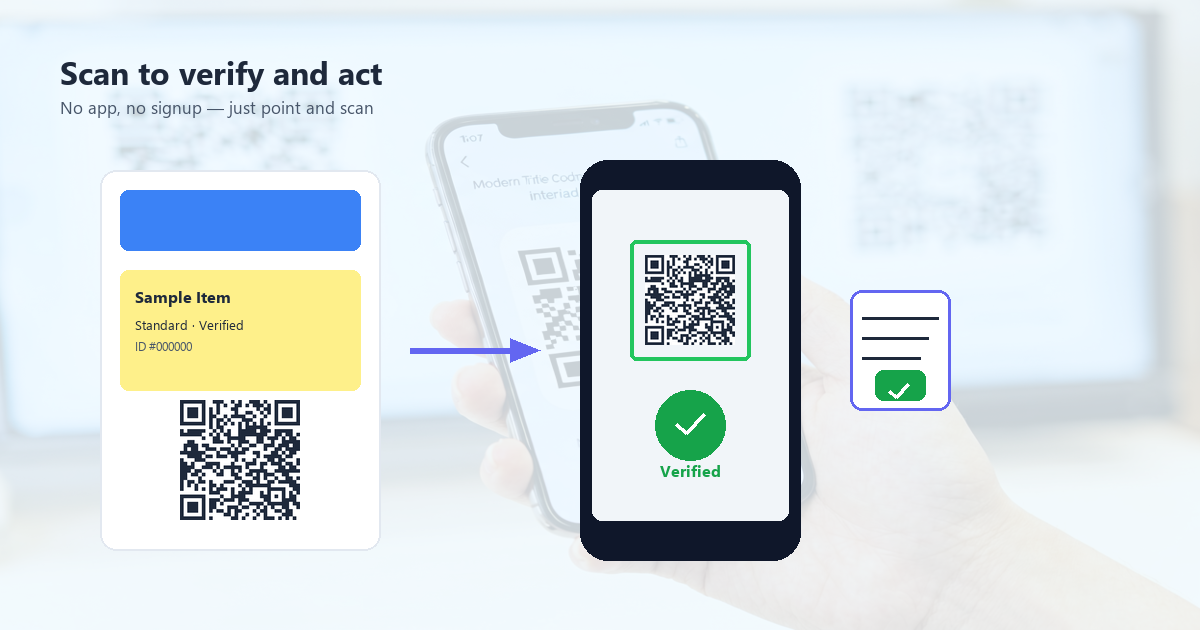
A phone camera captures a 2D image of the entire QR code. Software analyzes the image: detects the finder patterns, determines the orientation, extracts each module, applies error correction, and decodes the data. The whole process takes 100-300ms on a modern phone.
Barcode scanning is faster but requires dedicated hardware. QR code scanning is slower but uses hardware everyone already has.
The Future of Both
Both technologies are stable and will be around for at least another 20 years. The dominant use cases aren\u2019t going to change quickly.
Barcodes will continue to dominate grocery checkout, warehouse inventory, library systems, and any application that needs cheap, fast, dedicated scanning. The technology is mature, the scanners are cheap, and the workflows are well-established.
QR codes will continue to dominate mobile-first applications: restaurant menus, marketing, business cards, event tickets, product traceability, and any consumer-facing use case. The technology is mature, the scanners (phones) are universal, and the use cases keep expanding.
The dual-label approach will become more common. Products that need both grocery checkout and consumer engagement will carry both a barcode and a QR code on the same package.
Frequently Asked Questions
Can a phone scan a barcode?
Modern phones can scan standard barcodes using their cameras. It\u2019s not as fast as a dedicated laser scanner, but it works. Most camera apps can read UPC, EAN, and Code 128 barcodes natively.
Can a barcode scanner read a QR code?
No. Traditional laser barcode scanners can only read 1D barcodes. To read QR codes you need a 2D imager, which is a different (more expensive) type of scanner.
Is one technology more secure than the other?
Neither is inherently secure. Both are just encoding formats. The data in a QR code or barcode is plain text by design. If you need security, add encryption at the application layer (the server the code points to).
Will QR codes replace barcodes?
No. They serve different purposes. Barcodes will continue to dominate high-speed, low-cost scanning. QR codes will continue to dominate mobile-first applications. The two will coexist.
Conclusion: Different Tools for Different Jobs
QR codes and barcodes are both encoding technologies, but they\u2019re optimized for different things. Barcodes are cheap, fast, and purpose-built for product identification. QR codes are flexible, high-capacity, and purpose-built for mobile-first applications. Most modern deployments use both.
If you\u2019re choosing between them, the question isn\u2019t which is better. It\u2019s which is right for the job. For 12-digit product IDs in a grocery store, use a barcode. For URLs, contact info, or anything that needs to encode more than 20 characters, use a QR code. For most consumer-facing applications, use a QR code. For high-volume industrial scanning, use a barcode.