You spent 6 months planning the perfect wedding, but you forgot to figure out how 147 people are going to RSVP, find the venue, and download the photo album. A QR code for wedding solves all of that in one scan. From save-the-dates to thank-you cards, QR codes are quietly becoming the secret weapon of modern weddings — handling RSVPs, sharing photos, linking to gift registries, and even replacing paper programs. This guide shows you every way to use QR codes for your wedding, with specific designs and copy for each use case.
By the end, you’ll have a complete QR code strategy for your wedding that saves time, paper, and a lot of phone tag with Great Aunt Linda who can’t find the venue.

Why Weddings Need QR Codes
If you got married in the last 5 years, you’ve probably seen QR codes at weddings. They’re everywhere now, and for good reason.
1. RSVPs are a nightmare
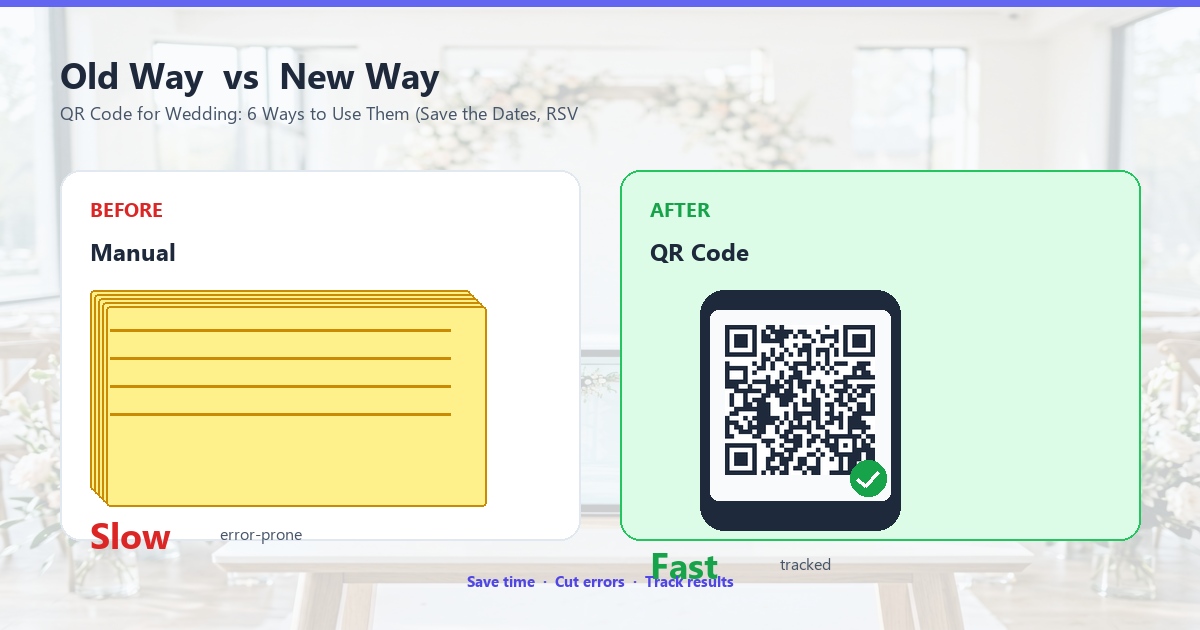
The traditional RSVP process goes something like this: you print RSVP cards, mail them with the invitation, hope people mail them back, wait 6 weeks, chase down the 30% who didn’t respond, and end up with a headcount that’s 80% accurate at best. With a QR code that links to a Google Form or wedding website, RSVPs come in instantly, you get a live count, and your maid of honor stops texting you in a panic.
2. People don’t read paper anymore
Your guests are on their phones constantly. A QR code is the format they’re most likely to actually use. A paper directions insert in a fancy envelope? It’s getting recycled before they leave the parking lot of the ceremony. A QR code on a card they keep? They’ll scan it.
3. It saves paper (and the planet)
Weddings generate a lot of paper: save-the-dates, invitations, RSVP cards, programs, menus, table numbers, thank-you cards. Each of these can be partially or fully replaced with a QR code linked to a digital version. Couples who go paperless for these elements typically reduce their paper footprint by 40-60%.
4. It saves money
Printing is expensive, especially nice printing. A QR code lets you print less, print simpler, and put the savings toward something that actually matters (the open bar, the photographer for an extra hour, the better cake).
5. It looks modern without being cold
There’s a wedding aesthetic that works for QR codes: minimalist, modern, intentional. The right QR code on a save-the-date with a soft watercolor background says "we’re thoughtful and current." A QR code jammed into a heavy gold frame says "we couldn’t decide." You can have QR codes and still have romance.
Wedding RSVP QR Code
The most useful QR code at any wedding is the RSVP one. It cuts your response tracking from a 3-week nightmare to a 1-hour spreadsheet update.
How it works
Create a Google Form (or use a service like The Knot, Zola, or WithJoy) with the typical RSVP questions: will you attend, plus-ones, dietary restrictions, song requests. Put the form URL in a QR code. Print the QR code on your save-the-date or invitation. Guests scan, fill out the form, and you get an instant response in your spreadsheet.
Sample RSVP form fields
Keep it short. The longer the form, the fewer people complete it. Aim for 5-7 fields maximum.
- Full name (required)
- Email (required)
- Will you attend? (Yes / No)
- Number of guests in your party (dropdown 1-4)
- Dietary restrictions (optional text)
- Song that will get you on the dance floor (optional text)
- Anything else we should know? (optional text)
Sample form URL structure
Once your Google Form is set up, you’ll get a URL like https://docs.google.com/forms/d/e/FORM_ID/viewform. This is what goes into the QR code. Test it before printing — open the URL on your phone, fill it out, and make sure it submits correctly.
Where to put the RSVP QR code
The save-the-date is the first touchpoint, so put the RSVP QR code there. Most guests will scan and respond within days of receiving it, giving you a headcount months before the wedding. The QR code can also go on the invitation itself, with a small note like "Scan to RSVP."
Save-the-Date QR Codes
The save-the-date is the perfect place to put multiple QR codes — the same card can carry directions, accommodation info, and the RSVP link without looking cluttered.
Design tip: One QR per card, well-placed
Don’t try to fit 5 QR codes on a save-the-date. Pick the most important one (usually RSVP or wedding website) and put it prominently. Other details can go on the wedding website itself.
What to include
A save-the-date QR code typically links to a wedding website (Wix, Squarespace, The Knot, Zola) which has all the details: venue, hotel blocks, registry, RSVP, story of the couple, etc. The QR code on the save-the-date gives guests one tap to everything.
Save the date wording example
On your save-the-date card:
Save the date! We’re getting married. Scan the code for venue, hotel, and to RSVP. [QR CODE HERE]
Simple, clear, and lets the QR code do the work. Most of your card real estate can be the photo, the date, and the QR code — no need for paragraph-long directions inserts.
Wedding Invitation QR Codes
Wedding invitations are traditionally the most paper-heavy piece. QR codes can slim them down significantly while keeping the formal feel.
Minimalist approach: QR code replaces insert cards
Instead of a paper directions card, an accommodations card, a registry card, and a details card, put one QR code on the invitation that links to a wedding website with all of this info. The invitation stays elegant, and guests have access to everything they need.
Formal approach: Keep paper, add QR for convenience
Some couples want the traditional paper feel. That’s fine. Add a small QR code to the invitation that links to the same wedding website, but in a way that says "this is a convenience, not a replacement for the paper." Place it subtly in a corner, perhaps with a note like "For your convenience, all details are also at [URL]" and a small QR code.
Gift Registry QR Codes
For couples who want to direct guests to their registry without spelling it out on the invitation (etiquette frowns on putting registry info directly on the invite), QR codes offer a discreet solution.
How it works
Create a QR code that links to your registry. Print it on a small enclosure card (separate from the main invitation, since registry info shouldn’t be on the invite itself). The card can say "We’re registered at [Service Name]. Scan to view our registry." or simply have a small QR code with a tag line like "Wishing well → [QR CODE]."
Cash fund QR codes
More and more couples prefer cash funds over physical gifts (honeymoon fund, down payment fund, etc.). A QR code that links to a cash fund page on services like Honeyfund, Zola, or even a personal Venmo/Zelle link makes this easy. Guests scan, see the fund, contribute what they want.
Just be sure to word it tastefully: "In lieu of gifts, scan to contribute to our honeymoon fund" reads as grateful, not greedy.
Wedding Photo Sharing QR Code
One of the most loved QR codes at weddings: a code that lets guests upload photos they took during your wedding to a shared album.
How it works
Use a service like Google Photos shared album, Dropbox folder, or a wedding-specific app like WedPics or GuestPix. Create the album, get the upload link, put it in a QR code. Print the QR code on small cards placed on each table, or on a sign near the entrance.
Wording examples
On a small table card:
Help us capture every moment! Scan to upload your photos. [QR CODE]
On a sign near the entrance:
Share your photos with us! Scan to upload to our wedding album. We’d love to see the day through your eyes. [QR CODE]
What this gets you
By the end of the night, you’ll have 300-500 photos from your guests’ phones, all uploaded to one album automatically. These are the candid, behind-the-scenes, silly, emotional shots that your professional photographer won’t catch. They’re priceless.
Wedding Program QR Codes
Paper wedding programs are nice but often get left on chairs. A QR code on a small card can replace the program with a digital version that guests actually look at.
Digital program design
Build a single-page web version of your program with the ceremony order, wedding party introductions, and any special notes. Add some photos of the couple throughout the years. Link the QR code to this page. Print a small card with the QR code at each place setting.
Sample program content
A digital program typically includes:
- The ceremony order (processional, readings, vows, recessional)
- Wedding party introductions (bridesmaids, groomsmen, flower girl, ring bearer)
- Special thanks (parents, grandparents, anyone who helped)
- In loving memory of (anyone who has passed)
- Officiant and musician credits
- Reception timeline (dinner, speeches, first dance, cake cutting)
You can include all of this on one well-designed page that guests can read on their phones.
Seating Chart QR Codes
For larger weddings, a digital seating chart guests can scan is way better than a giant poster at the entrance that everyone crowds around.
How it works
Create a digital seating chart (Google Sheets is fine, or use a service like AllSeated). Put the URL in a QR code. Print the QR code on small cards placed at the entrance, on each table, or in the program. Guests scan, find their name, see their table number.
Sample wording
Find your seat! Scan to see your table assignment. [QR CODE]
Why this works better than paper
No one crowds around a poster. No "I’m at table 7, where are you?" shouting across the room. Everyone finds their seat in seconds, and the entrance stays uncrowded for photos.
Venue Information QR Codes
For destination weddings especially, a QR code that links to venue information, local accommodations, and travel tips is invaluable.
What to include
A venue info page (linked via QR code) can contain:
- Address and directions (with a Google Maps link)
- Parking information
- Nearby hotel blocks with booking links
- Local restaurants and attractions for guests who extend their stay
- Weather forecast and packing suggestions
- Local transportation options
Design tip: Make it print-on-demand
You don’t need to print a separate card for this. The same venue info QR code can be on the back of your save-the-date or invitation. It’s discreet but available when needed.
Wedding Favor QR Codes
Wedding favors are a small thank-you to guests. Adding a QR code can make even a small favor more memorable.
QR codes on favors
Custom seed packets with a QR code linking to "plant this and watch it grow, then scan to see the meaning behind each variety." Small jars of local honey with a QR code linking to a thank-you video. Coasters with a QR code linking to the couple’s favorite playlist. These small touches make favors more than just trinkets.
Thank-you video QR codes
Want to send a more personal thank-you than a paper card? Include a QR code in your thank-you cards that links to a private YouTube or Vimeo video of the couple saying thank you to specific guests (or a single video for everyone). It’s more personal than a printed card and only costs you 30 minutes to film.
Design Tips for Wedding QR Codes
Wedding QR codes need to look like part of the design, not an afterthought. Here’s how to do that.
Match the aesthetic
If your wedding is rustic barn, use kraft paper and a hand-drawn-looking QR code (most generators let you customize the dot patterns). If your wedding is black-tie formal, use a sleek minimalist QR code in metallic foil. If your wedding is beach-themed, use soft pastels.
Custom dot patterns
Most QR code generators let you change the shape of the modules (the dots). For weddings, consider soft rounded corners, hearts, flowers, or geometric patterns that match the wedding theme. The QR code still scans, but it doesn’t look like a generic black-and-white grid.
Custom colors
Don’t be afraid of color. A blush pink and sage green QR code on a cream background looks beautiful. A deep burgundy and gold QR code on cream looks elegant. The key is high contrast between the modules and the background — at least 4:1 ratio.
Add a logo or monogram
Most wedding QR codes should have the couple’s monogram in the center (using the same logo QR code techniques from our logo QR code guide). It’s a small touch that makes the QR code unmistakably yours.
Print quality matters
Wedding stationery is often printed on textured or specialty paper. Make sure your QR code prints clearly on whatever paper you choose. Test on the actual paper stock before committing. If the texture interferes with scanning, consider a sticker or a small cardstock insert with the QR code on smooth paper.
Will Guests Actually Scan?
Yes, but only if you make it easy and obvious.
Make it big enough
A QR code that’s under 1.5 cm (0.6 inches) is hard to scan, especially for older guests with less-than-perfect eyesight. Aim for at least 2 cm × 2 cm for cards held at arm’s length, and bigger for signs viewed from a few feet away.
Tell them what’s inside
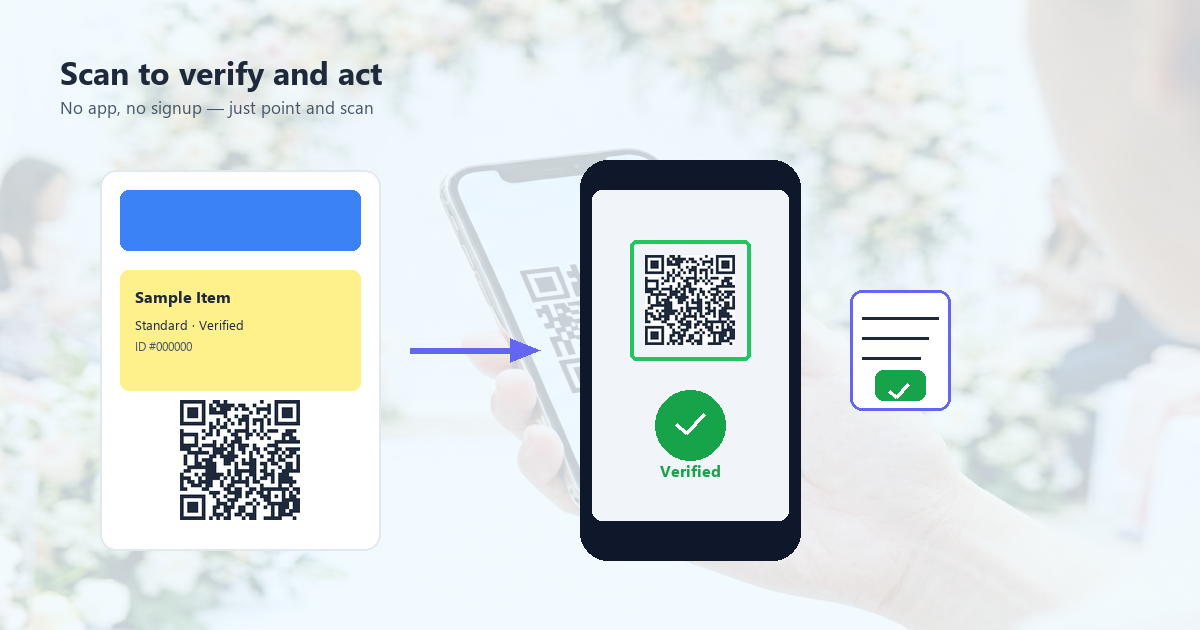
Don’t make guests guess. Always include a short call-to-action: "Scan to RSVP," "Scan for directions," "Scan to upload photos." This dramatically increases scan rates compared to a QR code with no context.
Have a backup
Some guests won’t scan, no matter what. Always include the URL in plain text below or next to the QR code. This is also helpful for accessibility (screen readers) and for the rare case where the QR code doesn’t scan.
Test with non-tech-savvy guests
Before the wedding, ask your parents and a few older relatives to test your QR codes. If they can scan them, anyone can. If they struggle, your codes are too small, too low contrast, or too cluttered.
Frequently Asked Questions
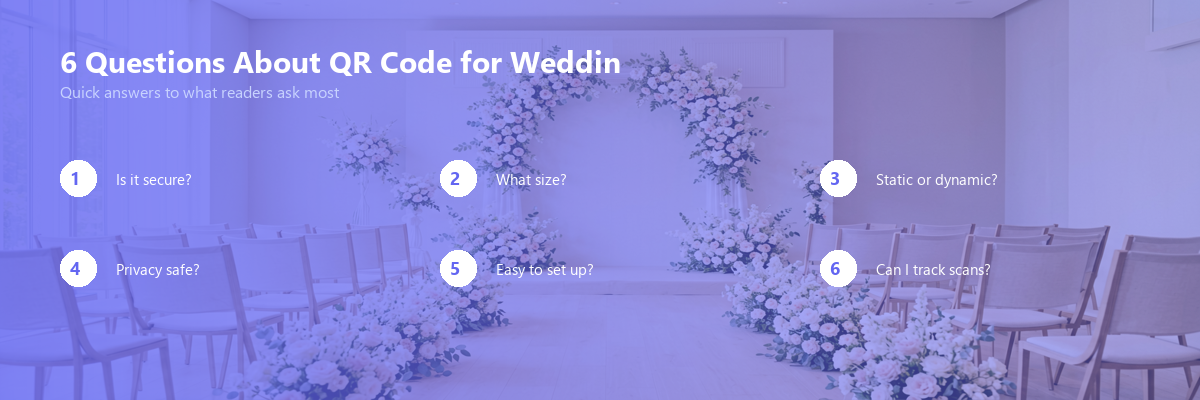
When should I send save-the-dates with QR codes?
6-9 months before the wedding is standard, 9-12 months for destination weddings. Earlier is fine; later is cutting it close for RSVPs.
Should I include a paper RSVP card as a backup?
For traditional or older-guest-heavy weddings, yes. For modern weddings with mostly younger guests, the QR code alone is usually enough. Always include the URL in plain text on the invitation as a fallback.
What if a guest doesn’t have a smartphone?
As of 2025, smartphone ownership among adults in the US is over 90%, and globally it’s over 75%. Most of your guests will have a phone. For the few who don’t, include a phone number they can call (yours, a parent’s, the wedding planner’s) for RSVP and questions.
Are QR codes appropriate for formal weddings?
Yes, if done tastefully. A small, elegant QR code in metallic foil on cream cardstock is just as formal as engraved text. The QR code itself isn’t informal — what matters is the design and paper stock you pair it with.
How do I track RSVPs through a QR code?
If you use Google Forms, all responses go into a Google Sheet automatically. You can see who has responded in real time. Services like Zola, The Knot, and WithJoy have built-in RSVP tracking through QR codes.
Can I edit the QR code destination after it’s printed?
Only with dynamic QR codes. If you use a static QR code (the URL is baked in), changing the destination requires reprinting. For wedding details that might change (like the venue, which is rare but possible), consider a dynamic QR code from a service like QR Code Monkey Pro or Beaconstac.
What to Read Next
If you’re planning a wedding and need more help, or if you’re a wedding vendor who wants to offer QR codes as a service, these guides are for you:
- QR Code with Logo — Add your monogram to the QR code
- vCard QR Code Guide — Share your contact info with a scan
- QR Code Design Best Practices — Make QR codes that look beautiful
- QR Code for Events — Beyond weddings: conferences, parties, corporate events
- QR Code Statistics 2025 — How guests actually use QR codes at events
Pick the QR codes that match the most important parts of your wedding planning. If you only have time for two, do the RSVP QR code and the photo sharing QR code — they deliver the most value with the least effort.