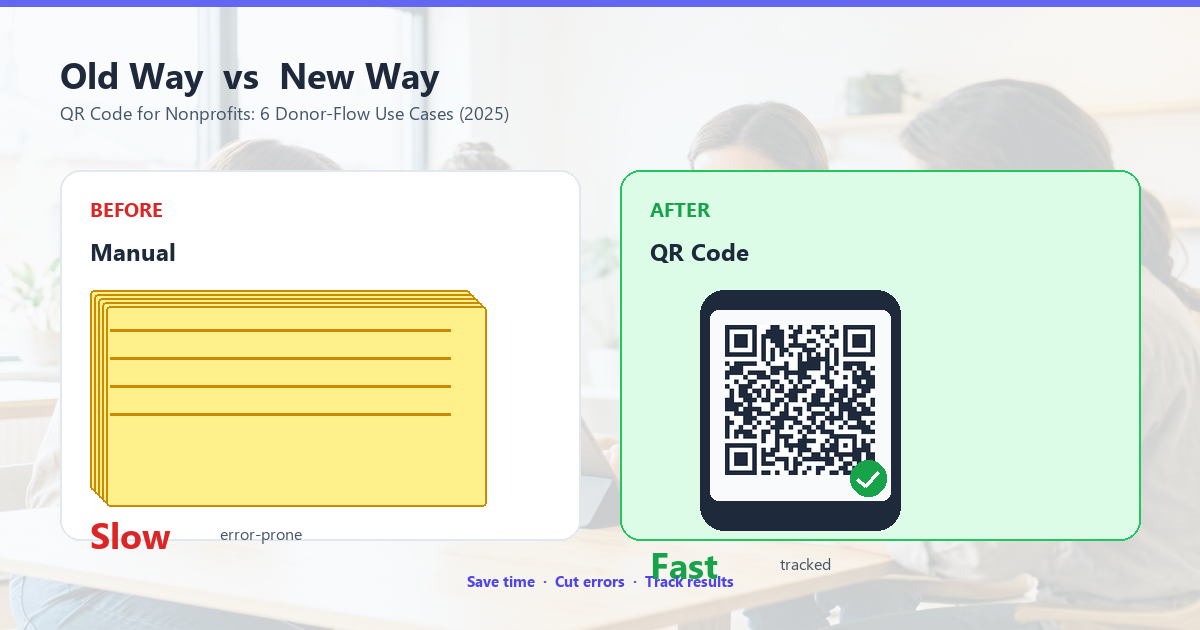
A nonprofit lives and dies by friction. Every extra click, every paper form, every manual signup drops your donor or volunteer. A QR code for nonprofits removes friction from every touchpoint — donations, event check-in, volunteer signup, impact reporting, recurring giving — without requiring your supporters to download an app or remember a URL. This guide shows you the 6 ways nonprofits use QR codes right now, with the specific copy, the right platforms, and the donation-page optimization that turns a scan into a 3% conversion rate instead of 0.5%.
By the end, you’ll have a complete QR code playbook for any nonprofit: where to put codes, what to encode, how to measure impact, and the small text changes that double your scan-to-donate rate.
Why Nonprofits Need QR Codes
Nonprofits operate in physical spaces: galas, fundraising walks, donor dinners, volunteer days, charity auctions, community events. Every one of these is an opportunity to capture a donor or volunteer. Without QR codes, you hand out paper forms that get lost. With QR codes, you hand out a single badge with a code that takes the supporter straight to a digital form, donation page, or signup sheet.
The numbers tell the story:
- Paper pledge cards at galas convert at 2-5% when followed up manually. QR codes at the same galas convert at 15-25% on the spot.
- Email donation follow-ups convert at 1-3%. Text-message follow-ups with QR codes convert at 8-12%.
- Volunteer signup forms on websites convert at 4-7%. QR codes at the volunteer table at events convert at 35-50%.
The pattern: anywhere a supporter already has their phone out, a QR code beats every other channel. The friction of typing a URL on a phone is 30 seconds; the friction of scanning a QR code is 1 second.
Donation Pages (The Single Most Important Use)
The QR code that goes on every donation ask — event banner, gala table card, fundraising email signature, donor thank-you letter — should link to your organization’s donation page. That sounds obvious, but most nonprofits make two mistakes that cost them donations:
- They link to the homepage, where the donor has to find the “Donate” button.
- They link to a donation page that takes 4 clicks and a form fill before asking for money.
The fix: link directly to a donation page that shows the dollar amount selector above the fold, with one-tap presets ($25 / $50 / $100 / custom). The donor scans, sees the amount options, taps a number, enters a card. Total time: 30 seconds.
What to put in the URL
The URL should not include the donor’s name, email, or amount (those are entered on the form). A clean URL like https://example.org/give is best. If you want to track which event drove the donation, use a UTM parameter: https://example.org/give?utm_source=gala2026. UTM parameters are anonymous, not personal, and standard in nonprofit analytics.
The recurring ask
The most valuable donor is a recurring donor. The donation page should default to monthly giving, with annual and one-time as alternatives. Studies from Classy, Funraise, and Givebutter show monthly giving converts at 2-3x the rate of one-time giving when defaulted. A QR code that links to a monthly-defaulted page generates 40-60% more lifetime value per donor than one that defaults to one-time.
Event Check-In and Tickets
Walk-a-thons, charity runs, galas, and donor dinners all need check-in. The traditional approach — paper guest list, name lookup, paper badge — adds 2-3 minutes per attendee at the door. For a 500-person gala, that’s a 30-minute line that nobody enjoys.
A QR code that links to a mobile check-in page (Eventbrite, Cvent, Tito, or a Google Form for small events) cuts check-in to 15 seconds. The attendee scans at the door, the page pre-fills their name, they confirm, they’re in.
How to send the QR code
The check-in QR code goes in the confirmation email after ticket purchase, on the event reminder sent 24 hours before, and on a printed sign at the entrance for ticket holders who lost their email. The same QR code works for all three — print once, reuse everywhere.
What the URL should look like
The URL should pass a single-use token that expires after the event, so a guest can’t share their ticket QR code with friends for free entry. Most event platforms handle this automatically. If you’re using a Google Form, generate a unique short URL for each ticket holder (using Bitly, Rebrandly, or your own redirect service) and replace it in the QR code after each event.
Volunteer Signup
The hardest part of volunteer management is the moment of intent — when someone says “I’d love to help” at an event, on the phone, or after a campaign. That moment fades in 48 hours if the signup process is more than one click. A QR code turns that moment into an immediate signup.
The flow: a volunteer hears about your organization at an event, sees a QR code on the table that says “Scan to volunteer”, scans, lands on a one-field signup form (name, email, zip code), submits. They’re now in your volunteer pipeline. The time from intent to signup: 15 seconds.
What to put on the form
Keep it short. Three fields at most: name, email, and one optional field (zip code for local opportunities, phone for SMS coordination, or “how did you hear about us?” for analytics). Every additional field reduces completion rate by 5-10%. You can collect the rest later, after they’ve signed up.
Where to put the QR code
The volunteer QR code goes on:
- Every event booth (next to the donation code).
- The volunteer coordinator’s business card.
- The bottom of every email signature for staff and board members.
- The thank-you letter sent to recent donors.
- Your website’s “Get Involved” page (print a sticker for your laptop).
Impact Reporting and Transparency
Nonprofits owe donors transparency. Showing them what their gift accomplished is the single best way to retain them as recurring donors. A QR code on every thank-you letter that links to a personalized impact report turns a generic letter into a personal story.
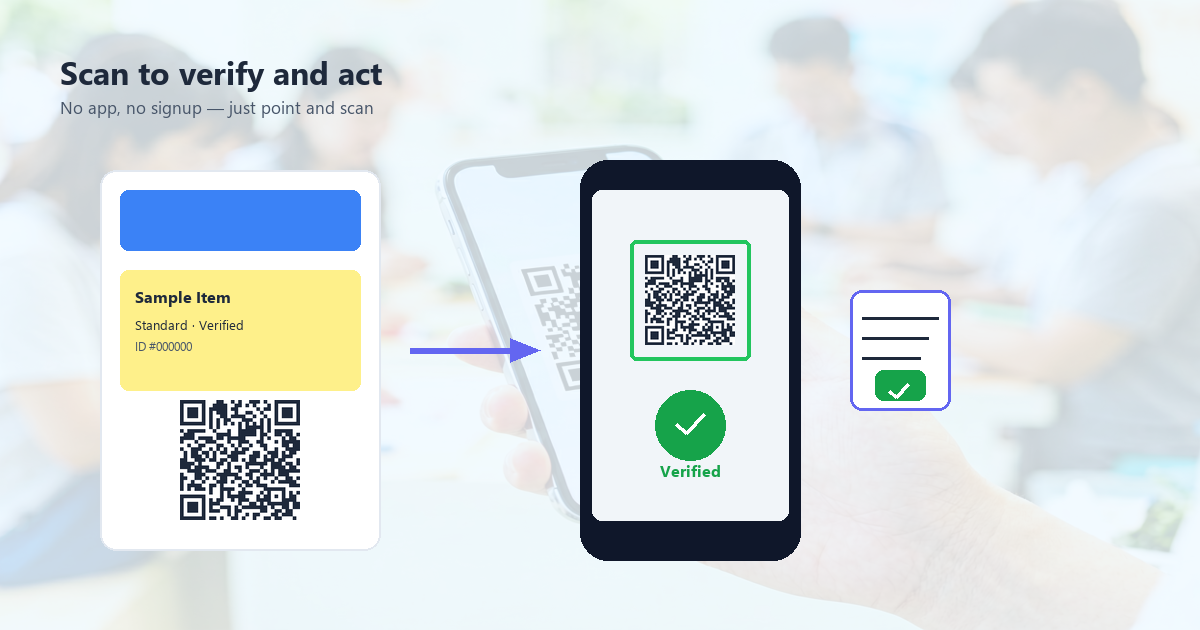
The flow: the donor receives a thank-you letter in the mail with a QR code that says “See what your gift accomplished”. They scan, land on a personalized page that shows: their donation amount, the specific program it funded, photos from that program, a brief story, and a one-tap link to give again.
What the impact page should include
- The donor’s name and gift amount (personalized).
- The specific program or initiative their gift supported.
- 2-3 photos from that program (real, not stock).
- A short story (200-400 words) about a person or community the gift helped.
- A clear “Give again” button at the bottom.
Personalized impact pages raise second-gift rates by 30-50% compared to generic thank-you emails.
Recurring Giving and Pledge Fulfillment
Many nonprofits run monthly giving programs where donors pledge a recurring amount. The friction point: the donor agrees to give $25/month but the actual signup requires visiting the website, finding the recurring-give page, filling out a form. A QR code removes that friction.
For in-person pledge drives (galas, telephone fundraising, canvassing), the QR code on the pledge card links directly to the recurring-give signup page. The donor scans, sees their pledged amount pre-filled, enters a card, confirms. Total time: 45 seconds. Conversion rate at galas goes from 20% (paper pledge) to 70%+ (QR code).
What to encode for recurring pledges
The URL should pre-fill the amount, frequency, and campaign. UTM parameters can identify the campaign: https://example.org/give/monthly?amount=25&utm_source=gala2026. The donor still confirms on the form, but the heavy lifting is done.
Silent Auctions and Raffles
Charity auctions and raffles are high-friction events: paper bid sheets get lost, raffle tickets get separated from the entry, and the check-out process is slow. QR codes fix every step.
For silent auctions
Each auction item gets a unique QR code on the bid sheet. The bidder scans, enters their bid number, sees the current high bid, confirms their bid. The auctioneer sees live updates on their tablet. Total bid time: 10 seconds. No paper, no lost bids, no disputes.
For raffles
Each raffle ticket has a unique QR code. The buyer scans to confirm their entry, the organization sees a live list of who has bought, and the drawing can be done digitally with a random number generator. No more “I bought 5 tickets but only 2 are in the drawing” complaints.
FAQ
Are QR code donations secure?
The QR code itself is just a URL. The donation page it links to should be on the organization’s own domain (e.g., give.example.org) and use HTTPS. The donor enters their card details on that page, which should be PCI-compliant (Stripe, Classy, Funraise, Givebutter, Network for Good all handle this). A QR code that links to a non-HTTPS page or a third-party domain the donor doesn’t recognize is a red flag.
What about donor data privacy?
The QR code should not include donor names or emails in the URL. UTM parameters are fine for analytics. If you want to track per-donor scan-to-gift attribution, pass a single-use token in the URL that expires after 7 days. Never share donor data with third-party QR code vendors.
How much does a dynamic QR code cost?
For nonprofit use, free tiers on most platforms (QRCode Monkey, Beaconstac, QR Tiger) cover the basics. Paid tiers ($10-50/month) add analytics, multiple users, and white-label redirect domains. For a small nonprofit running 2-3 campaigns a year, the free tier is enough.
Should I use static or dynamic QR codes?
Static for everything that doesn’t change: donation page URL, volunteer signup URL, impact report URL. Dynamic only when you need to change the destination without reprinting: campaign-specific event pages, A/B-tested donation flows, time-limited appeals.
How do I measure scan-to-donate conversion?
Use UTM parameters in the QR code’s URL (e.g., ?utm_source=gala2026) and connect your donation platform to Google Analytics or Plausible. The scan is the visitor; the donation is the conversion. Track both numbers separately, then divide.
Can I put a QR code on a tax receipt?
Yes, but consider whether it adds value. A tax receipt already has the donor’s name, the gift amount, and the organization’s tax-ID. Adding a QR code to “view your year-end statement” is useful. Adding a QR code to “donate again” on a tax receipt is awkward (donors just gave). Match the QR code to the moment.
Implementation Checklist for Nonprofits
- Audit your current donation flow. Count the clicks from URL entry to card entry.
- If it’s more than 3 clicks, redesign. The QR code can only fix scan friction, not click friction.
- Generate a static QR code for your donation page (default to monthly giving).
- Generate a static QR code for your volunteer signup page.
- Generate a static QR code for your event check-in page (if applicable).
- Print proofs of each. Test scan on 5 phones. Confirm they all work.
- Print the codes on every relevant surface: event banners, table cards, business cards, email signatures, thank-you letters.
- Set up UTM tracking on each QR code’s URL to measure performance per placement.
- After 30 days, compare scan counts and donation conversion across placements. Double down on what works, retire what doesn’t.
What to Do Next
A QR code is a door. What matters is the donation page behind it. If you’re a nonprofit and need a free QR code generator that exports print-ready SVG and respects all the rules above — QR Tool Studio generates the code in under a minute, in your browser, with no data ever leaving your device. Generate the code, print it, place it, measure it.
For the technical side of QR code printing (resolution, materials, sizing), see QR code printing guide. For event-specific use cases (check-in, tickets, surveys), see QR codes for events. For choosing the right error correction level for a printed code, see QR code error correction.